OKX Wallet's Trader Mode was supposed to be just another false promise, so I went digging for the inevitable catch.
Having tested countess "self-custodial trading" pitches, only to find custody quietly moved somewhere it shouldn't be, I expected to expose this one just as fast.
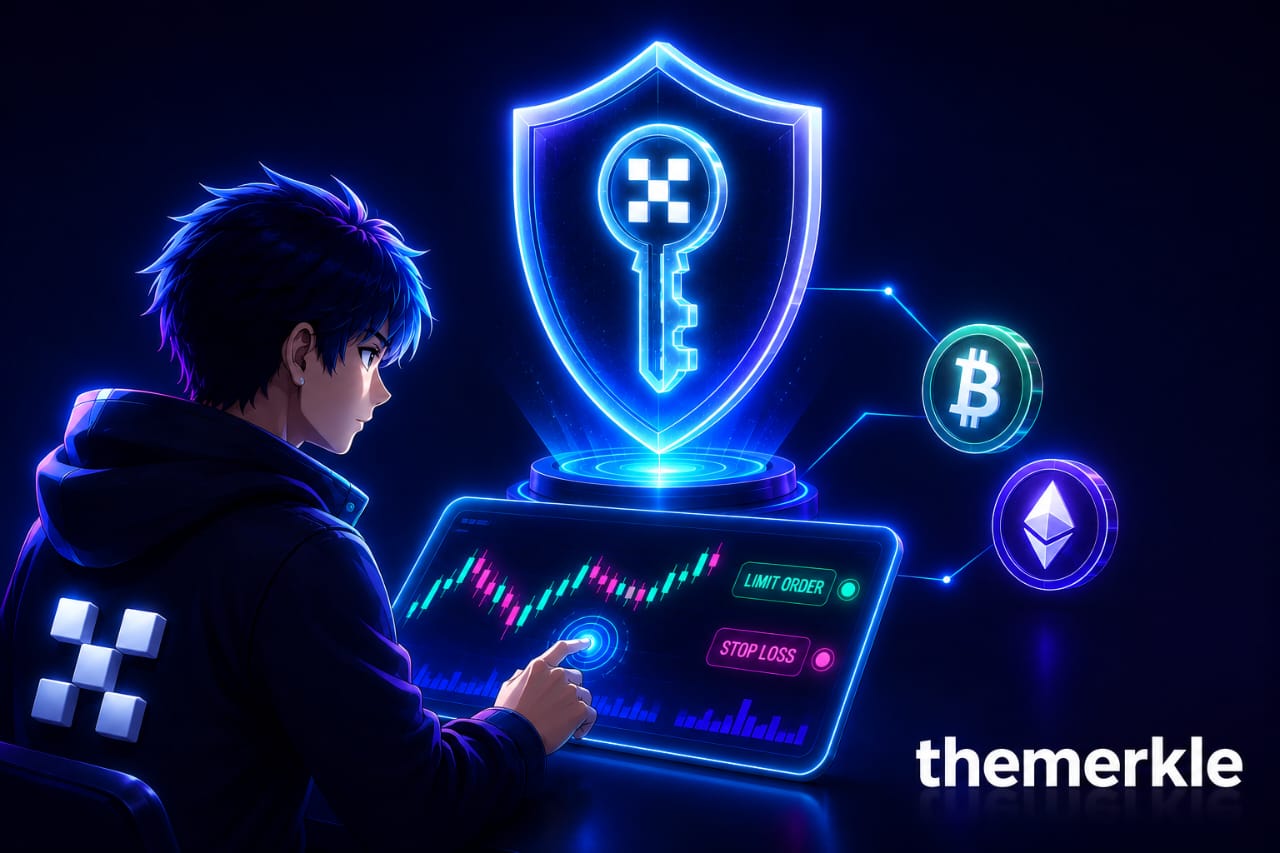
The moment that changed my mind was realizing my key never actually left a hardware enclave OKX itself claims it can't read, even while the wallet was placing limit orders and running stop-losses on my behalf. That's not a small engineering detail. That's the entire promise of self-custody being tested against the one feature that usually breaks it.
Trader Mode is OKX's attempt to merge the automated, professional-grade trading tools normally reserved for centralized exchanges with the actual custody guarantees of a self-hosted wallet. The mechanism behind it is a Trusted Execution Environment, a secure, isolated section of hardware built to protect sensitive data even from the device's own operating system. Your private key gets encrypted and stored inside that enclave, where OKX itself says it can't view, copy, or extract it. I'll admit that claim made me skeptical at first, but the architecture behind it is at least consistent with how TEEs are supposed to function across the industry.
What You Can Actually Do With It
The feature set is more substantial than I expected going in. Market orders execute immediately at the best available price, which is standard enough. Limit orders come in two flavors, one triggered by a specific USD price and another triggered by a guaranteed swap rate, both executing automatically once the condition is met. Auto-sell strategies let you set take-profit and stop-loss thresholds at the same time you place a market buy, both calculated in USD terms from your entry price. There's also copy trading, letting you automatically mirror the trades of higher-performing addresses.
A few features are still in the pipeline rather than live yet: automatically selling when a token's creator sells their own holdings, sniping tokens immediately after a migration event, dollar-cost averaging to spread trades out over time, and trailing stops that adjust dynamically as the market moves. I think the current lineup already covers most of what a serious retail trader would actually reach for day to day, and the roadmap suggests OKX isn't treating this as a finished product.
How To Set Up OKX Trader Mode
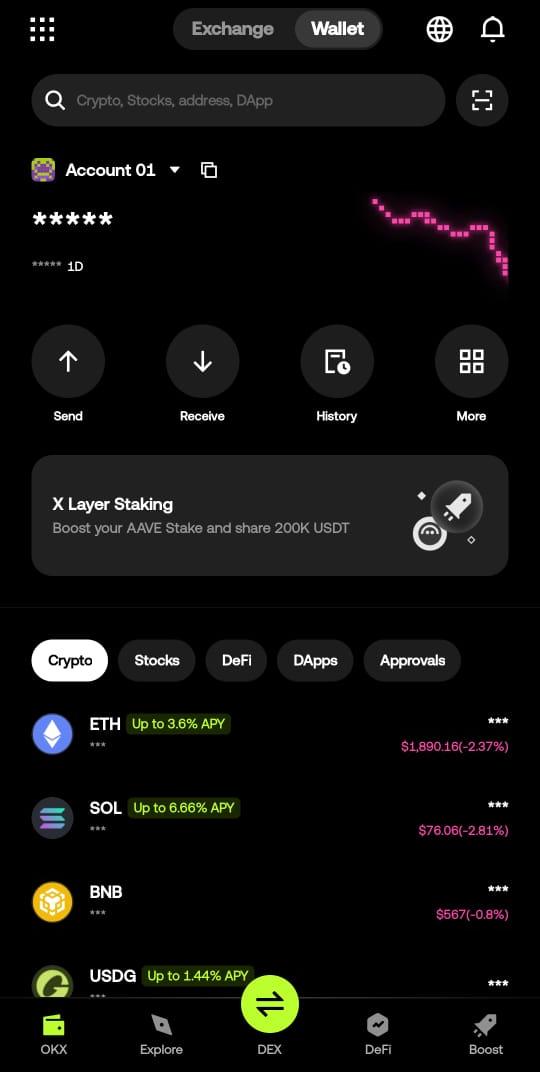
Getting started requires a standard seed phrase wallet first, since Trader Mode isn’t a separate account type, it’s an enabled state layered directly onto your existing wallet.
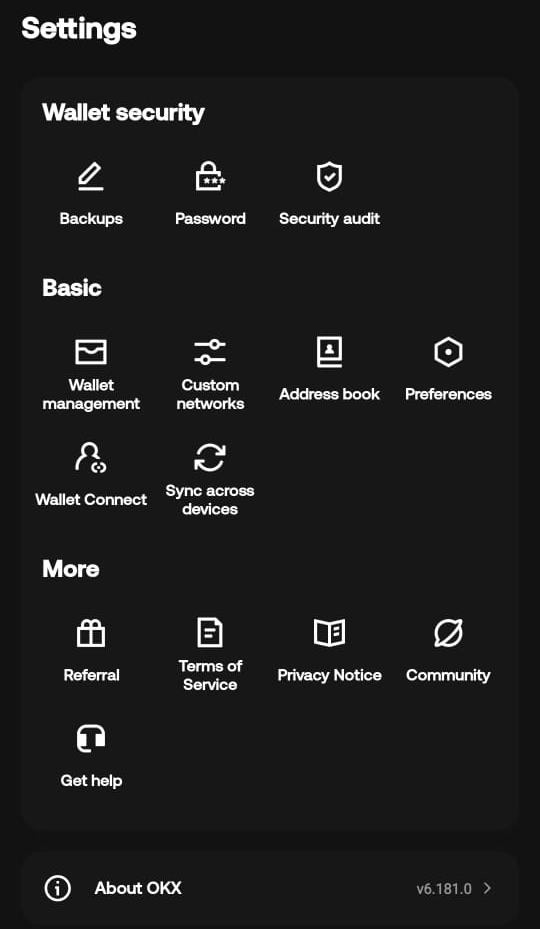
To turn it on, head over to your wallet homepage, jump into Settings, and select Wallet Management. You’ll see Trader Mode right there, ready to be enabled for any of your imported wallets.
Step 1: Open Settings from the Wallet Homepage
Start on your wallet homepage. Look toward the bottom right corner of the navigation bar and tap the Settings icon to access your preferences.
Step 2: Navigate to Wallet Management
Inside the Settings menu, scroll down until you see Wallet Management. Tap it to bring up the full list of your imported wallets.
Step 3: Select Your Wallet & Toggle Trader Mode
Find the specific wallet you want to trade with and tap on it. Right on the wallet's configuration screen, you'll spot the Trader Mode toggle clearly visible near the top. Switch it to On.
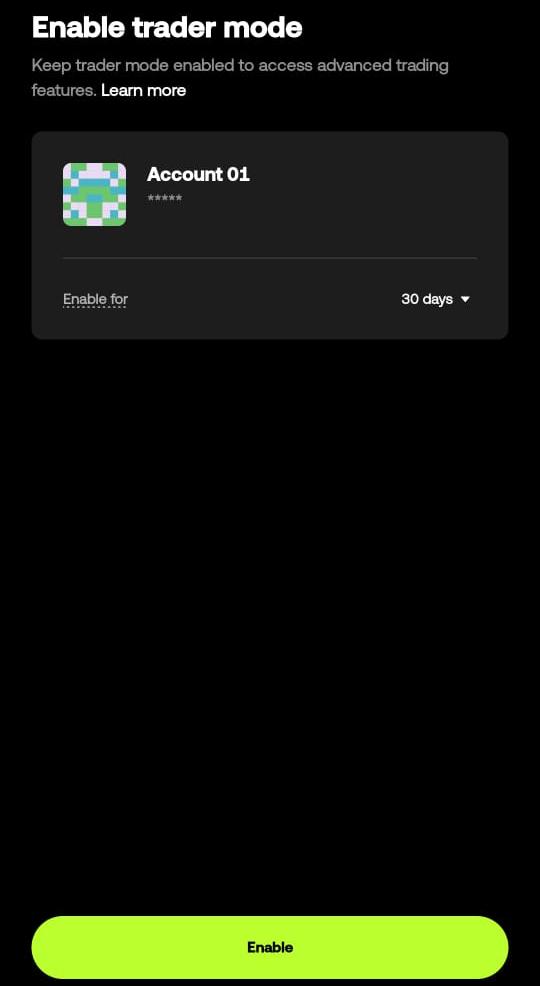
Step 4: Set Your Enable Period
Once toggled on, a prompt will pop up asking you to select your Enable Period. Choose the duration (in days) that fits your trading schedule, confirm your selection, and you're good to go!
Why Authentication And Auto-Pausing Matter More Than They Sound
One design choice I think deserves more attention than it usually gets: viewing your open orders requires signing a verification message first. Without that step, anyone could potentially see your pending stop-loss or take-profit levels and either front-run your execution or deliberately push the market toward your trigger price. Requiring a signature to even view that information closes a hole most trading interfaces don't bother addressing.
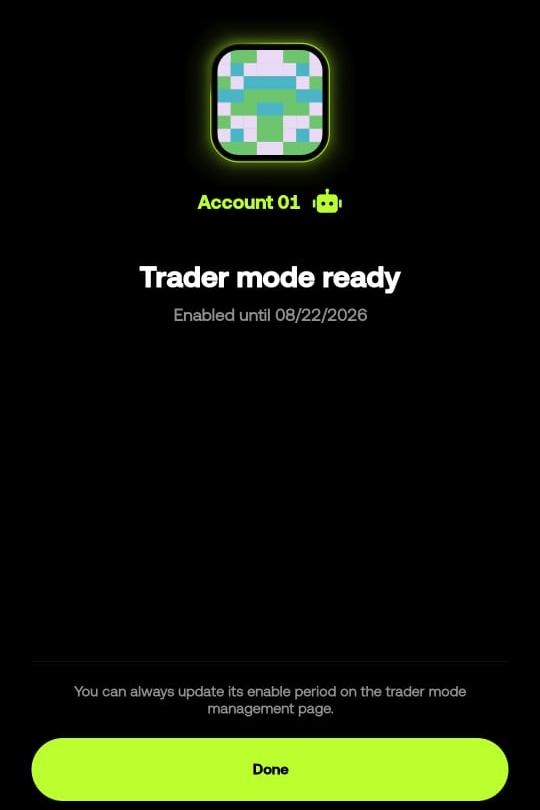
Similarly, if Trader Mode expires or needs an upgrade, all your open strategy orders get automatically paused rather than left to fail silently on-chain. I think that's the right default. A triggered order with no valid signing authority behind it would just waste gas and go nowhere, so pausing everything until you manually resume or re-enable makes far more sense than letting broken orders sit active.
Where I Land On Trader Mode
I don't think Trader Mode eliminates every risk that comes with automated trading, and OKX is upfront that the wallet itself has no control over third-party platforms you interact with through it. But on the specific question of whether you can get centralized-exchange-grade automation without giving up self-custody, I think this is one of the more credible attempts I've seen. The key never leaves your control in any meaningful sense, the enable period keeps unused keys from lingering in the enclave, and the order authentication step closes a front-running gap that's genuinely easy to overlook. OKX has also committed to publishing an independent audit and open-sourcing the code once that review is complete, which I think is the right sequencing, hardening first, transparency after, rather than the reverse.
If you're already comfortable managing a self-custody wallet and you've been eyeing centralized exchange features like copy trading or automated stop-losses without wanting to move funds onto a custodial platform to get them, I think Trader Mode is worth testing.
Disclosure: This is not trading or investment advice. Always do your research before buying any cryptocurrency or investing in any services.
Follow us on Twitter @themerklehash to stay updated with the latest Crypto, NFT, AI, Cybersecurity, and Metaverse news!